
A private conversational journal for Mac
Free to start. No account required.
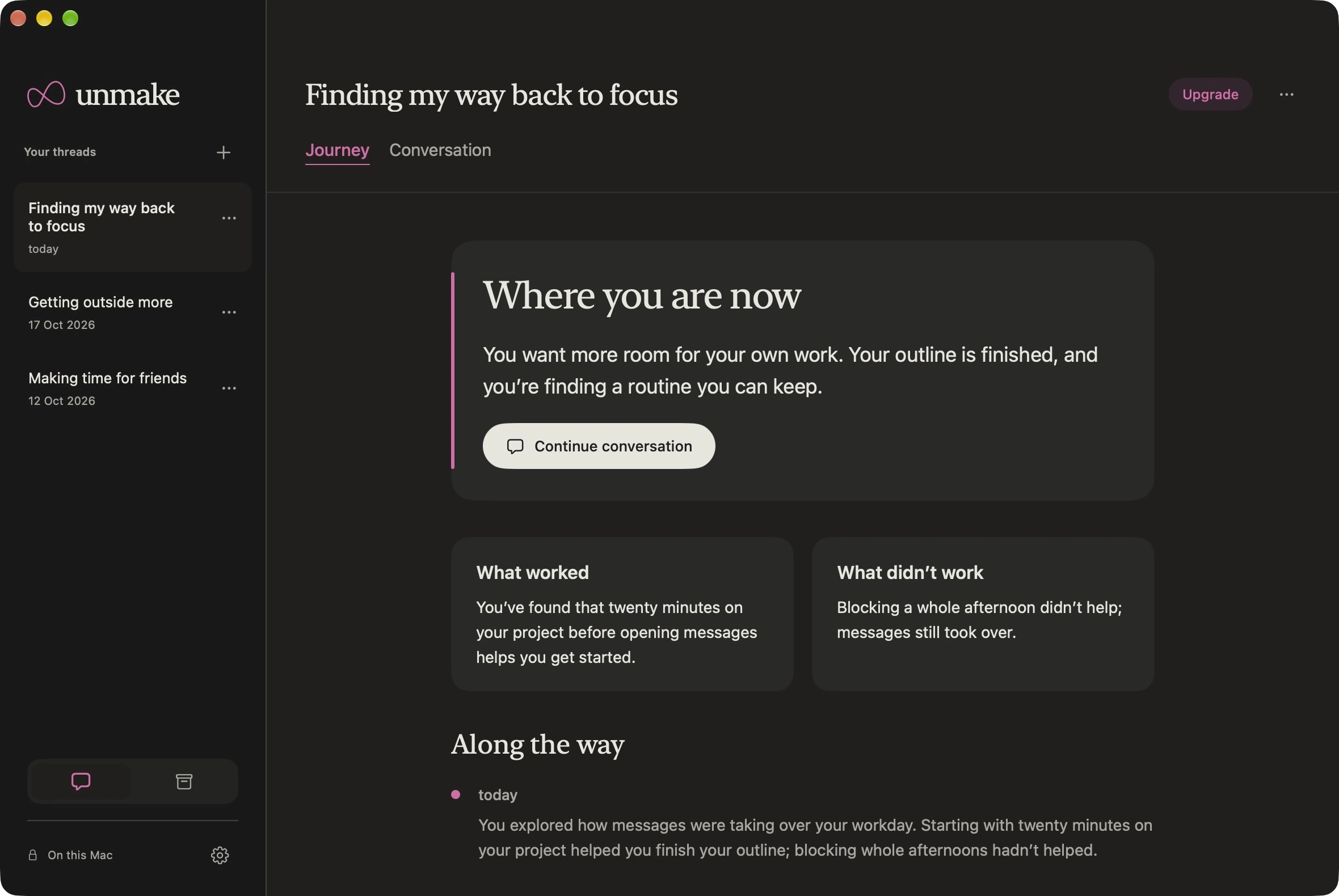
Your journey: where you are now and what you’ve learned. Illustrative example.
See what helps over time.
As you share what happens, Unmake brings together where you are now, what worked and what didn’t. Your journey takes shape through conversation, so there’s no separate log to keep.
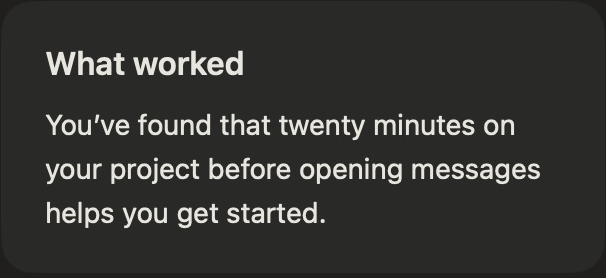
Keep what helps.
A small change can be worth returning to. Your journey keeps a record of what you’ve found helpful.

Learn from what didn’t.
Unsuccessful attempts belong in the picture, too. Later experiences can change earlier conclusions.
Pick up where you left off.
Come back with what happened today. Unmake connects it with what you’ve shared before, follows up on what you tried, and helps you explore a next step.
Brief replies. Useful ideas. One question at a time.
Explore how Unmake works →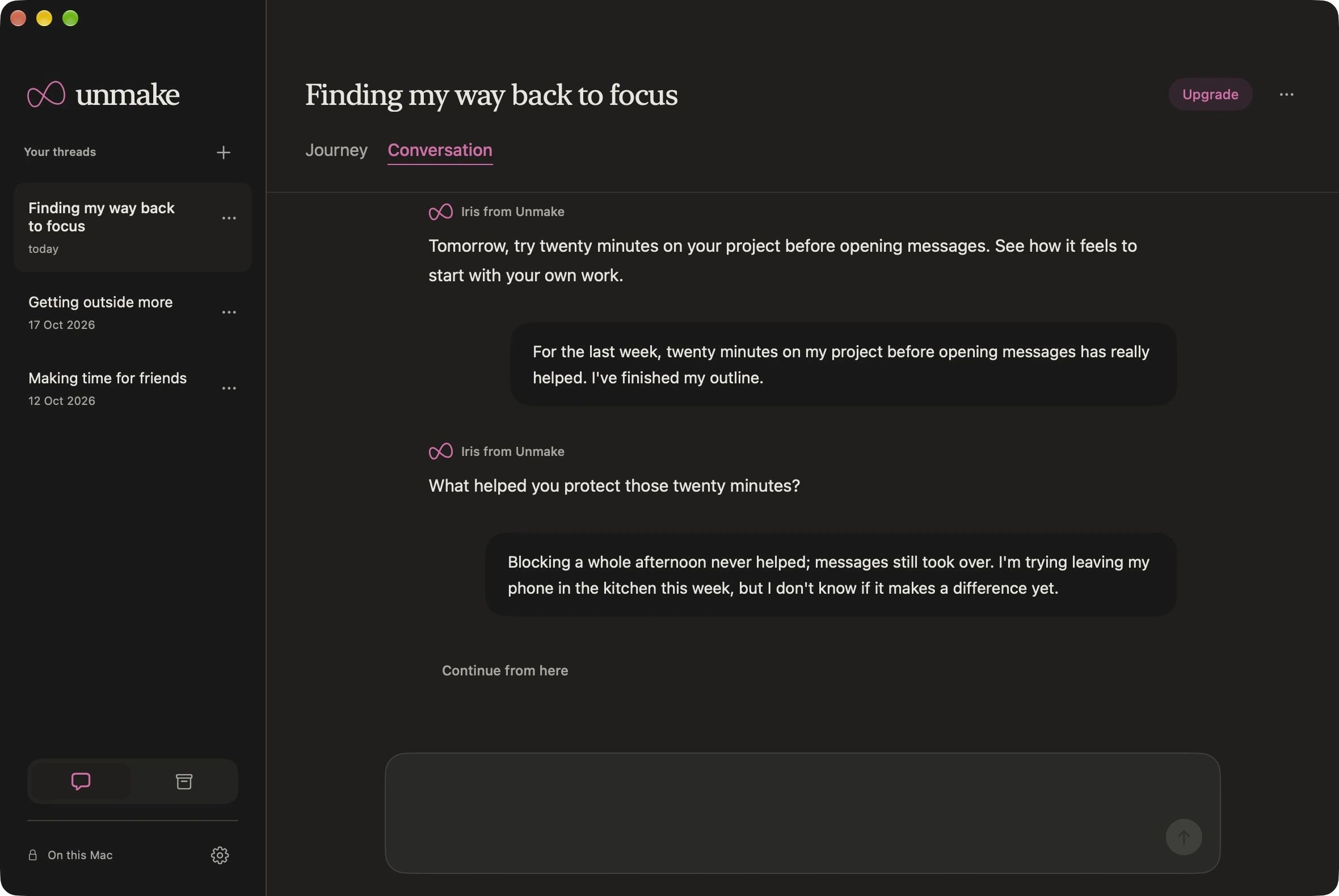
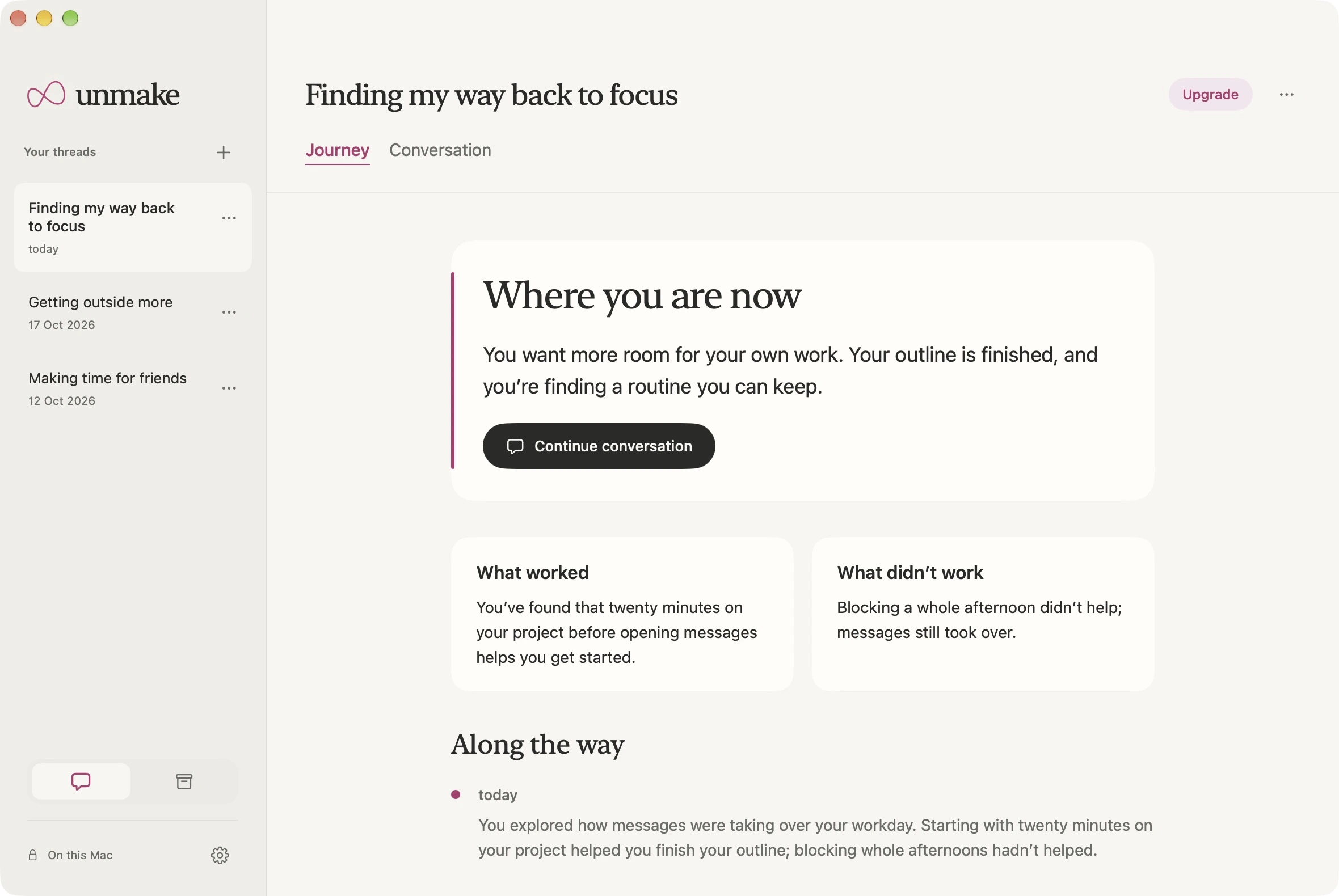
One thread, one focus.
A relationship you’re finding difficult. A habit you want to change. A goal you keep putting off.
Give it a thread and name the change you want. Each thread keeps its own conversation and journey, so you have a place to work through it at your own pace.
Meaningful progress can be clarity, a helpful boundary, or a way forward you can sustain.
Personal stays personal.
Unmake’s intelligence runs on your Mac, and your history stays there unless you choose iCloud sync.
How Unmake uses your data →On your Mac.
Replies and summaries use Apple’s on-device model. Your conversations aren’t sent to an external AI service.
Your choice to sync.
With Pro, you can choose to sync your history through your iCloud account.
No account to create.
Open Unmake and start a thread. No advertising or conversation analytics.
Start free.
Use up to three active threads for free, with the full conversation and journey experience in each. Archive a thread to make room for another.
Make room when you need it.
Unmake Pro adds unlimited active threads, optional iCloud sync and app lock. Your saved history stays readable if your subscription ends.
Compare free and Pro →A few things to know.
Will it work on my Mac?
You need Apple silicon, macOS 26 or later, and Apple Intelligence enabled with its on-device model available. Check the requirements.
What can I use it for?
A situation, relationship, habit or goal you want to understand or improve. Unmake helps you reflect and explore a way forward. It can make mistakes and does not replace professional care.
Do I need to write every day?
No. Return when you have something to share. There are no streaks, daily questionnaires or rewards for spending more time in the app.
Can I start with existing notes?
Yes. Paste background or an earlier conversation into your thread, then decide what you’d like to focus on. Unmake keeps your original message.